
Authentication Keys allow you to control who can access the easypay APIs on your behalf.
You can create as many Authentication Keys as you want. Therefore, if you have a website and an app, we recommend creating separate keys for each service.
Authentication Keys are your MOST important secret. You must be very careful with how and with whom you share them, especially with companies or developers building your website or app.
If you suspect that someone has accessed your Authentication Keys without permission, you should delete them immediately.
How to generate Authentication Keys
-
Access the easypay Backoffice;
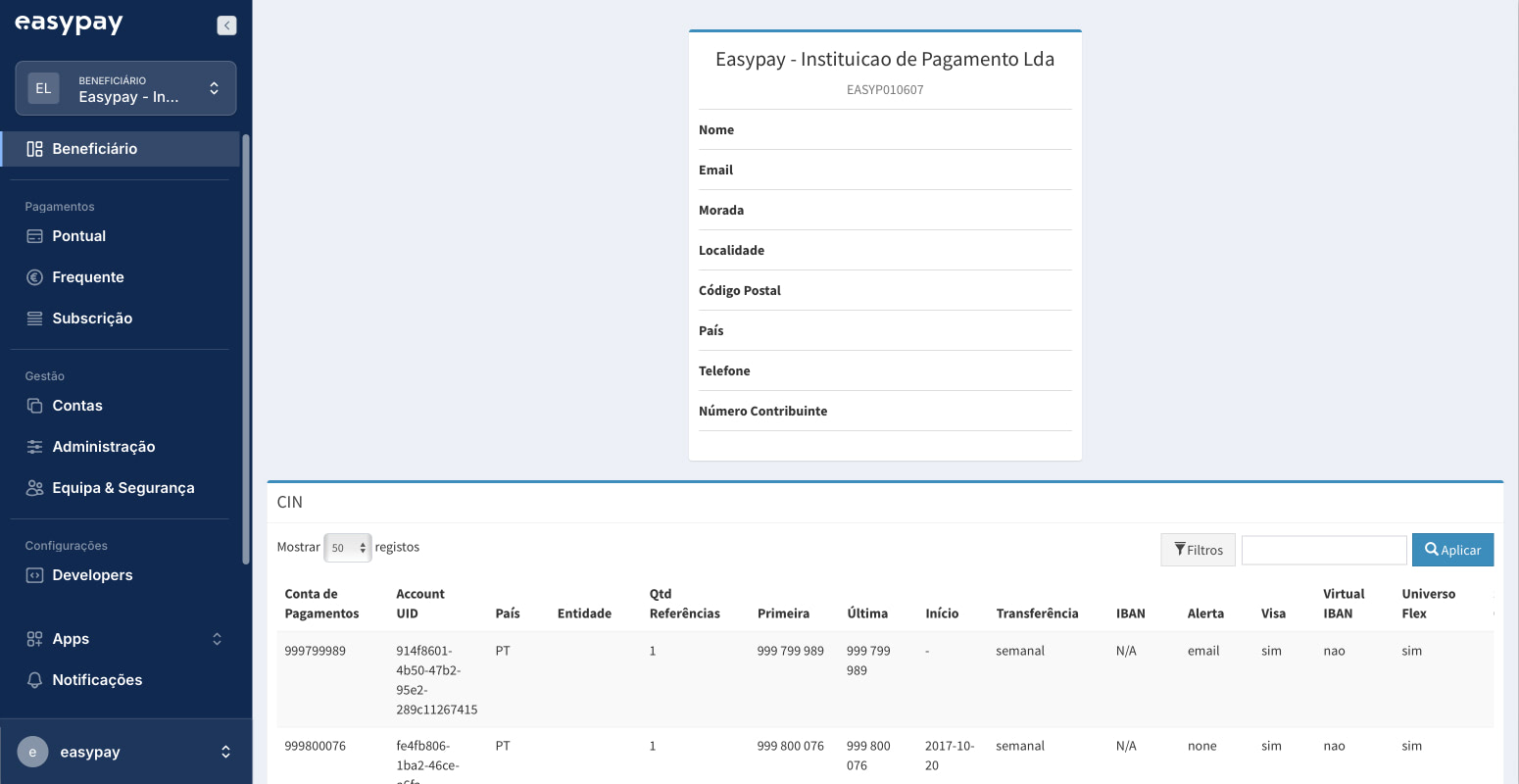
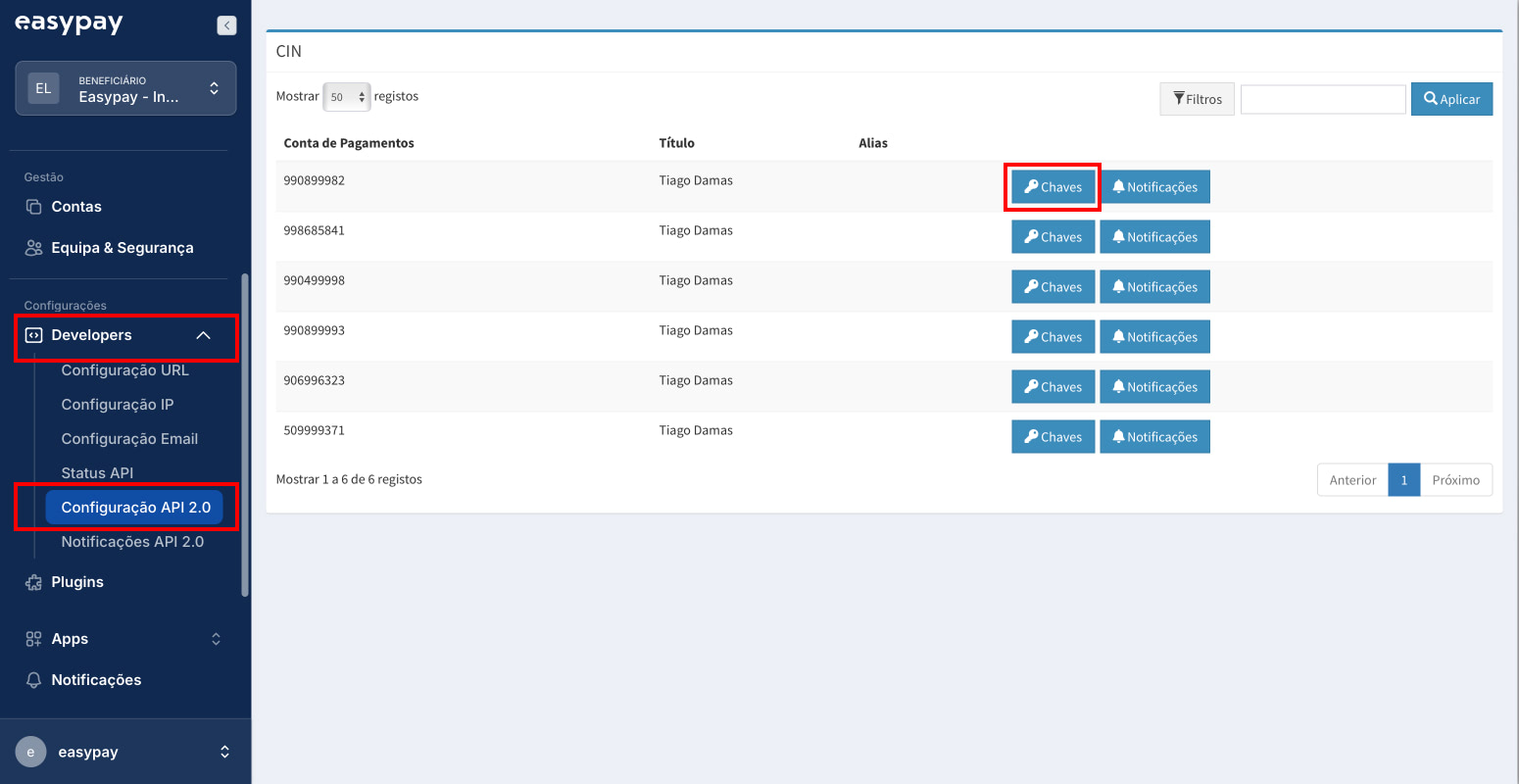
- In settings, go to the “Developers” menu;
- “API 2.0 Configuration”;
- “Keys”;
-
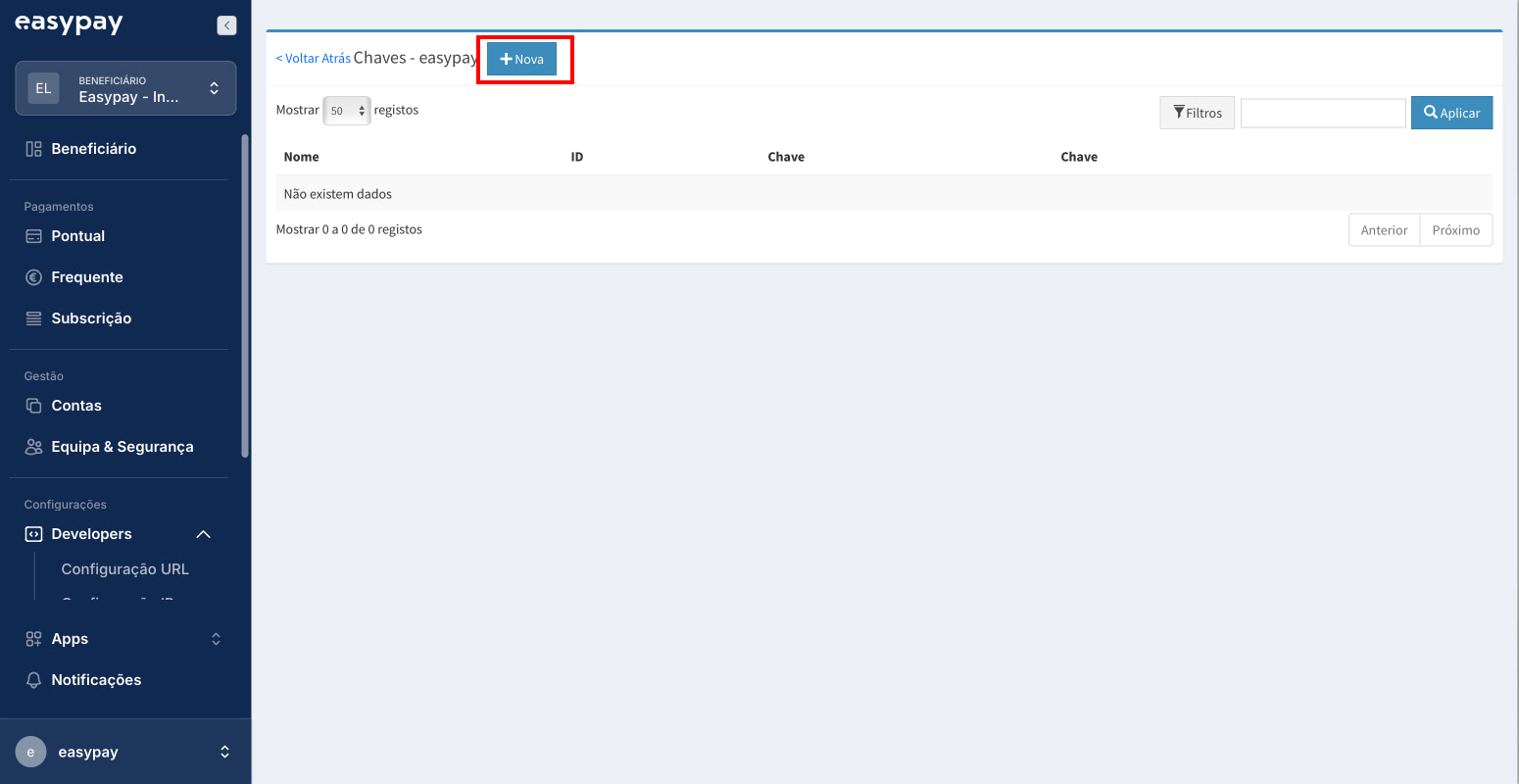
“+New”;
-
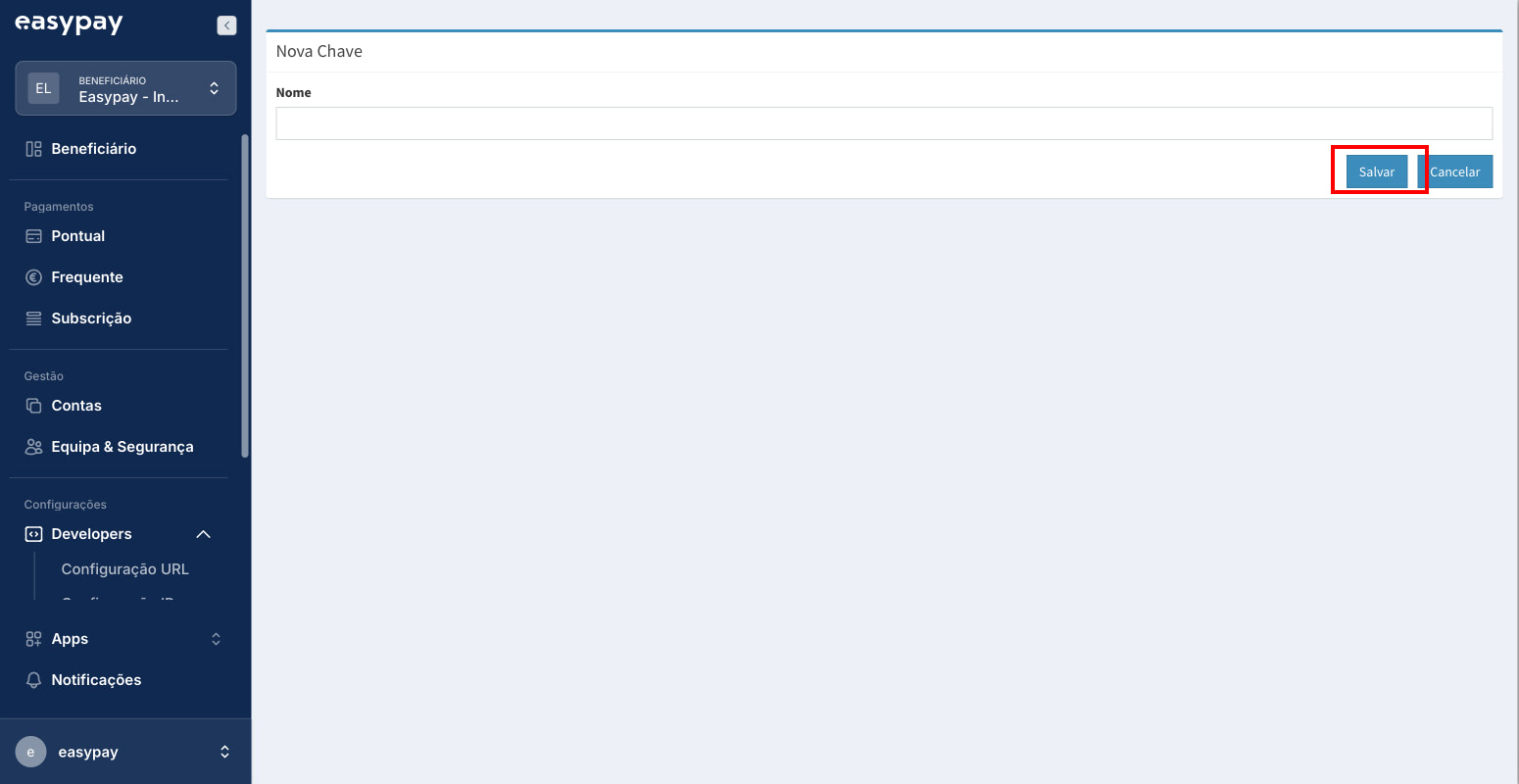
Give the key a name, for example “site x”;
-
Click “Save”.
After these steps, a pair of authentication keys is generated, consisting of the API Key and Account ID.