
1. Access the menu Accounts > Transfer Batch
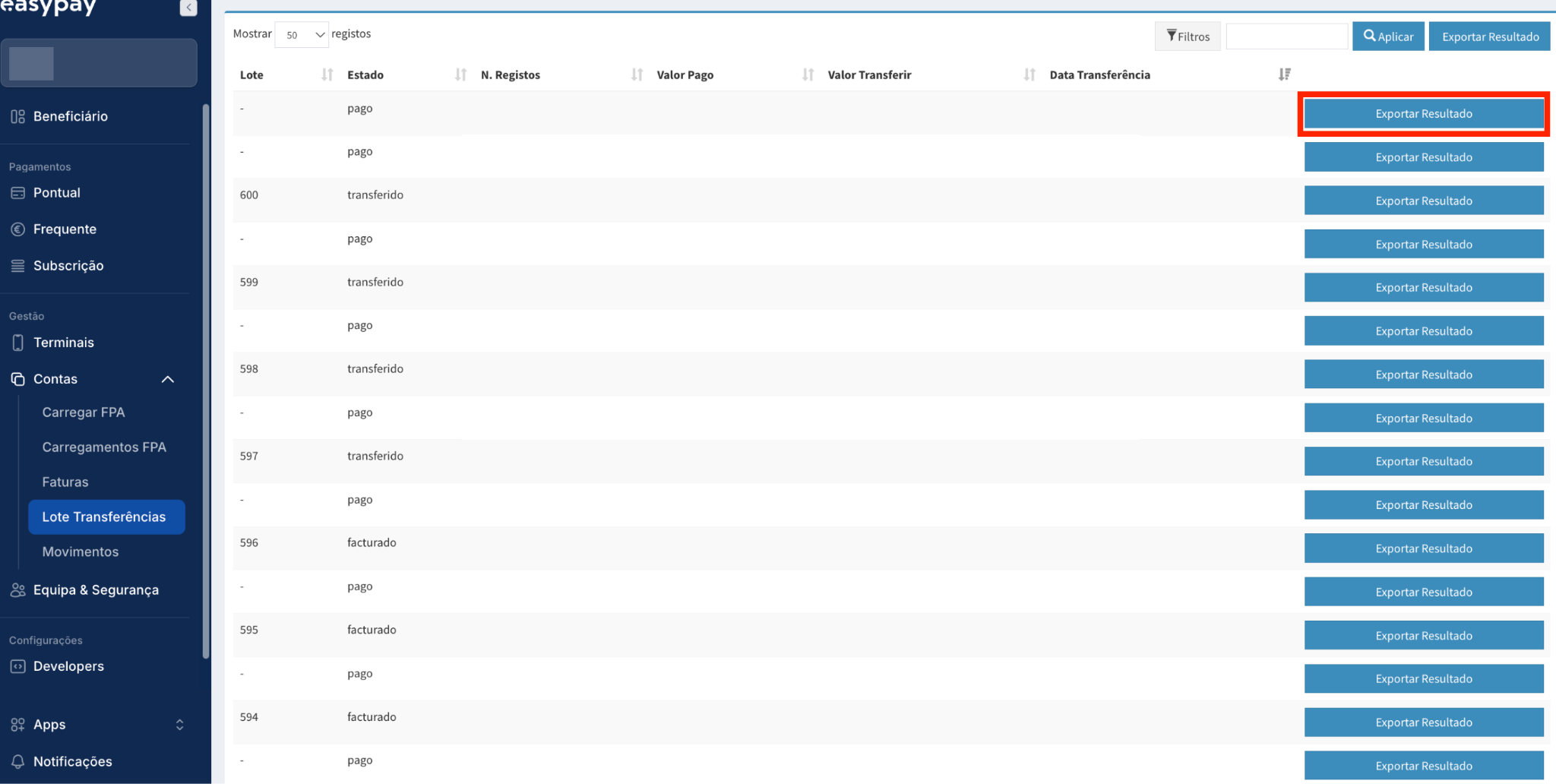
2. Click on “Export Result”
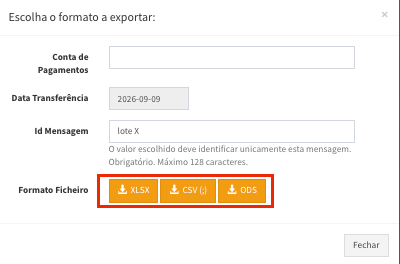
Fill in the following fields:
- Payments Account: Select the payment accounts you wish to include in the report.
- Id Message: File name in the easypay Backoffice.
- File format: Choose your preferred file format.
3. The file will be available under Beneficiary > Downloads (Beneficiary > Downloads) for 7 days.
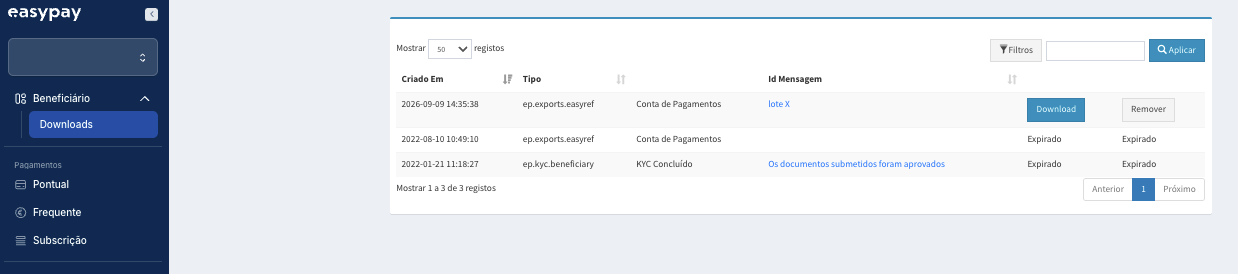
This file will contain all transactions related to the transferred batch.
Note: Personal data of the end customer will be redacted.